
Follow these steps to submit a support request
I do not have a Support account
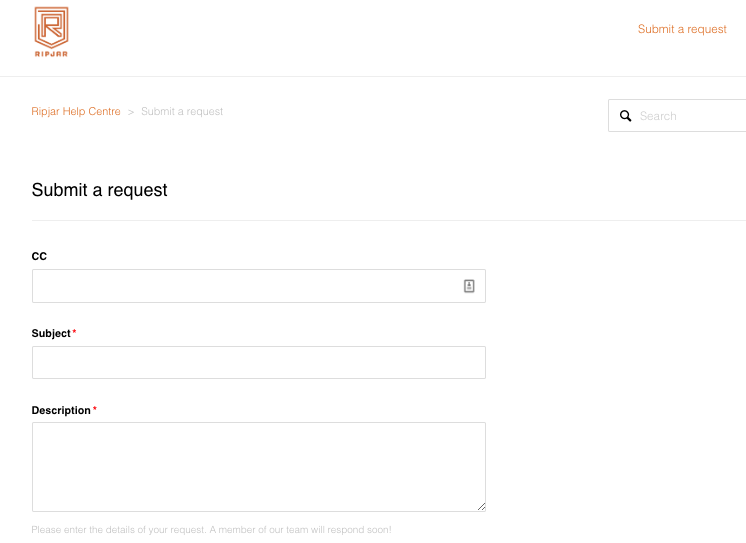
- If you have not yet registered for a Support account, simply go to https://support.ripjar.com and click Submit a Request
- Complete the form and submit the request taking care to provide as much information as possible.
- Check your email to complete the registration of your user account and confirm the submission of your request.
- You will receive an email confirming the receipt of your support request, together with the unique ticket ID.
To view your tickets (or your organisations’ tickets where authorised), sign in and click your profile name > My activities (see article: https://support.ripjar.com/hc/en-gb/articles/360016400672-View-my-Ripjar-Support-Requests)
If you have NOT received your welcome email after signing up or submitting a request for the first time, click > ‘Get a password’ and follow the prompts.
I do have a Support account
- Go to https://support.ripjar.com, log in and click Submit a Request
- Complete the form and submit the request taking care to provide as much information as possible.
0 Comments