
To access your view of support requests, follow these quick steps:
1. Navigate to https://support.ripjar.com and Click Sign in
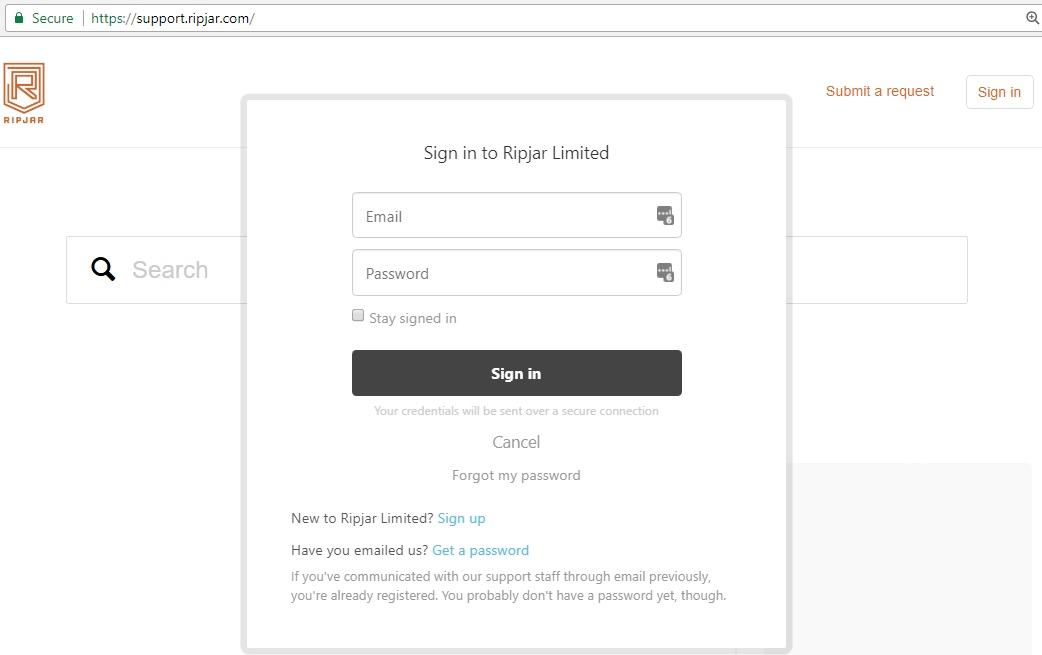
2. Click on your Login name menu > My activities
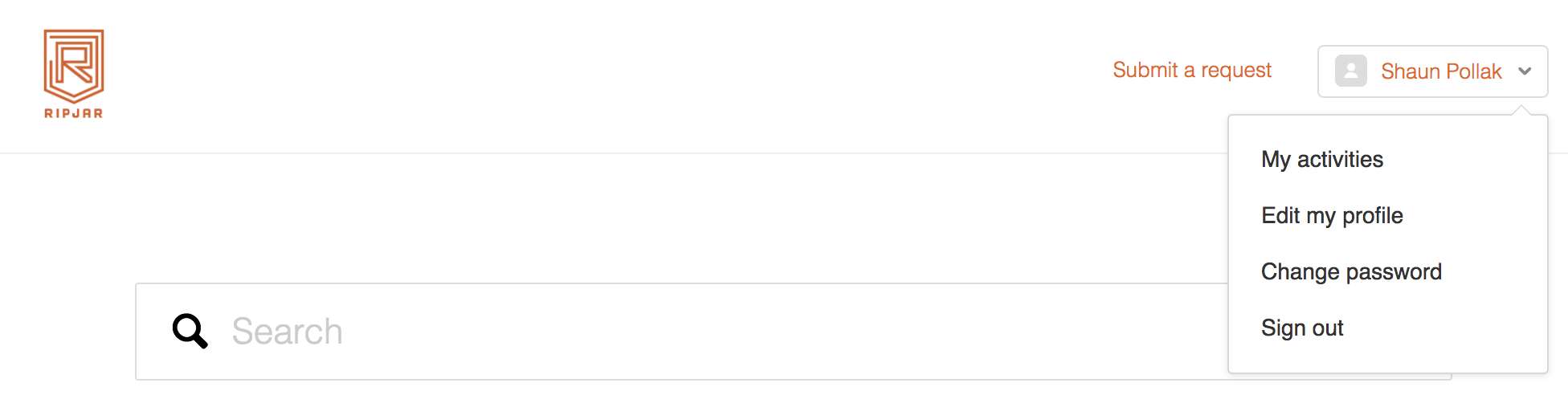
3. View your list of support requests made available to you.
Note: this list could be restricted to your requests only, or all requests raised by your entire organisation.
0 Comments